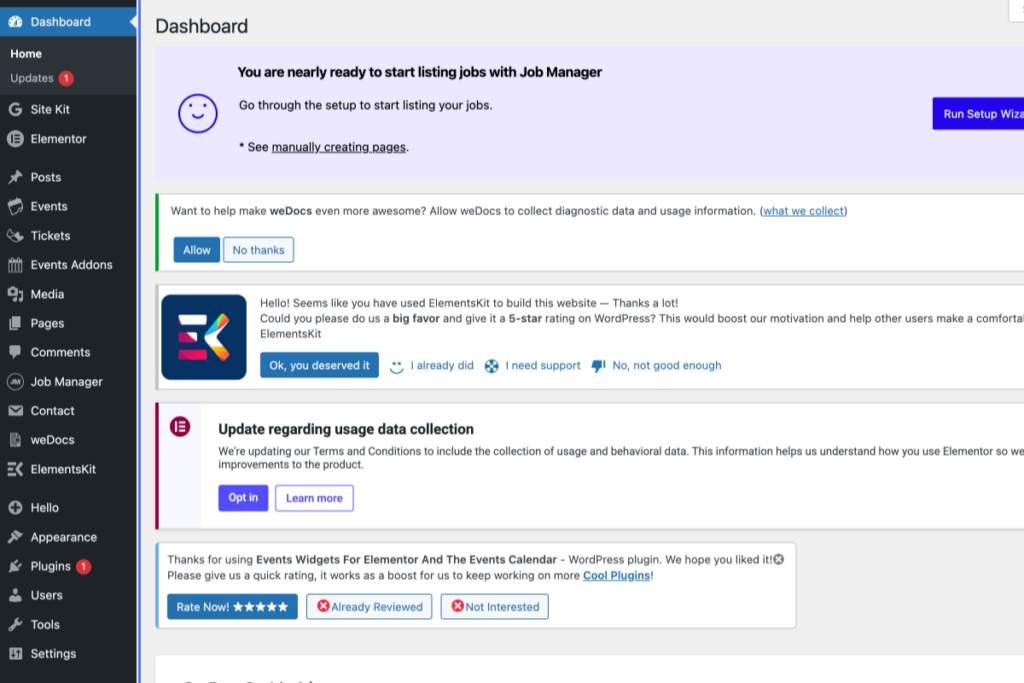
WordPress dashboard showing notifications about Job Manager setup, Elementor data collection, and plugin reviews, with various menu items visible on the left sidebar. – OADR Training
2
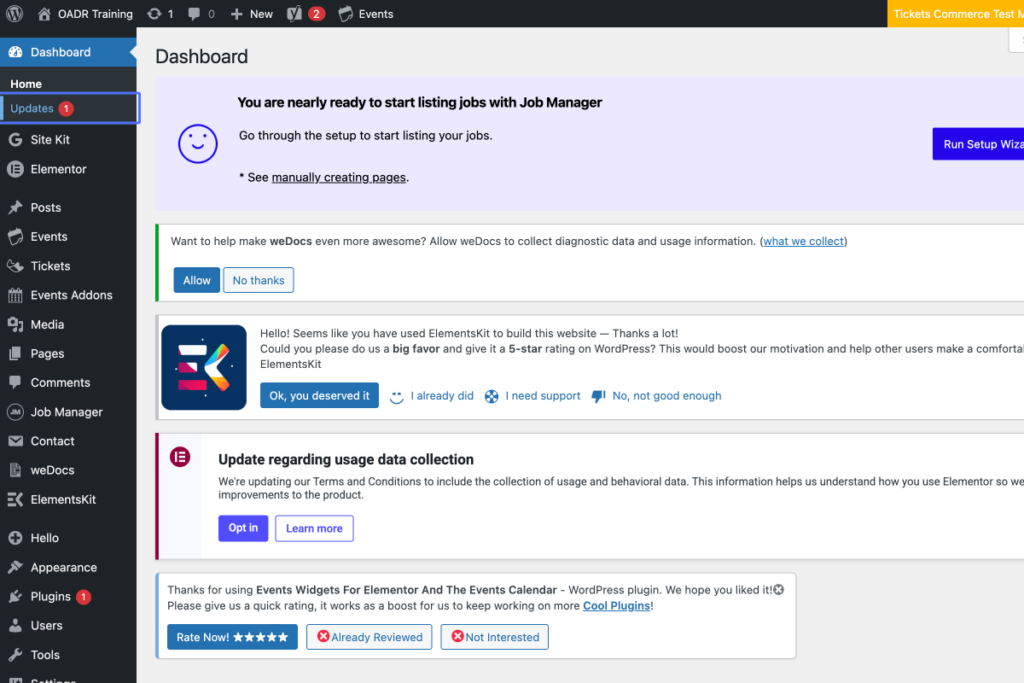
Click on the link “Updates 1”
WordPress admin dashboard showing notifications for Job Manager setup, Elementor feedback, and data usage collection, with a sidebar menu on the left and various plugin options displayed. – OADR Training
3
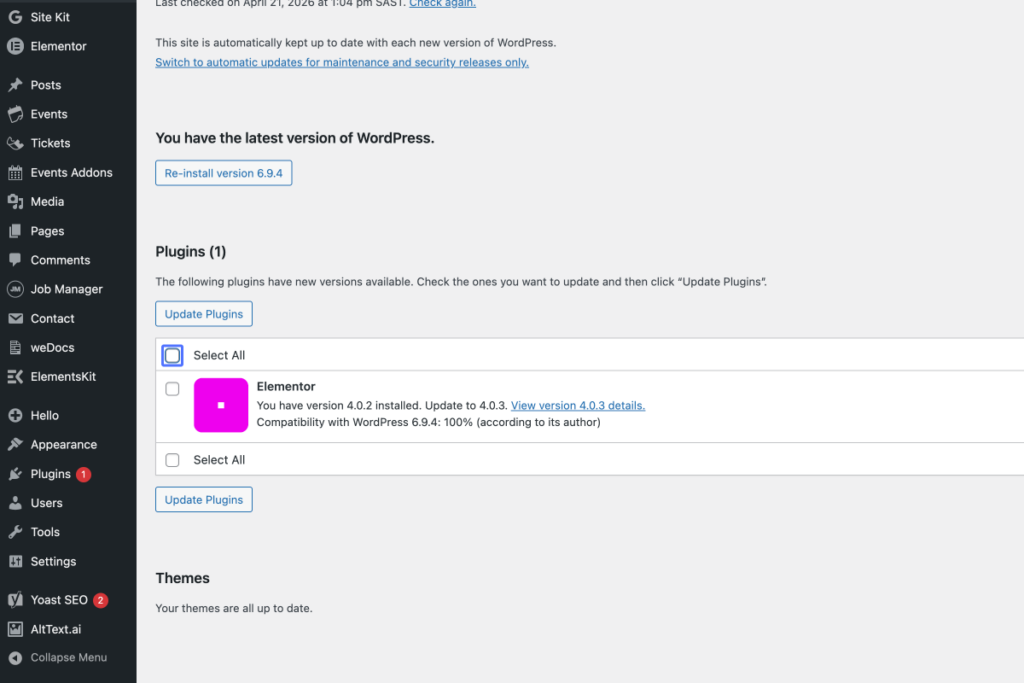
Click on the checkbox “Select All”
Tab Name: WordPress Updates ‹ OADR Training — WordPress
WordPress admin dashboard showing Plugins page with an update available for Elementor plugin from version 4.0.2 to 4.0.3. Other plugins and themes are up to date. – OADR Training
4
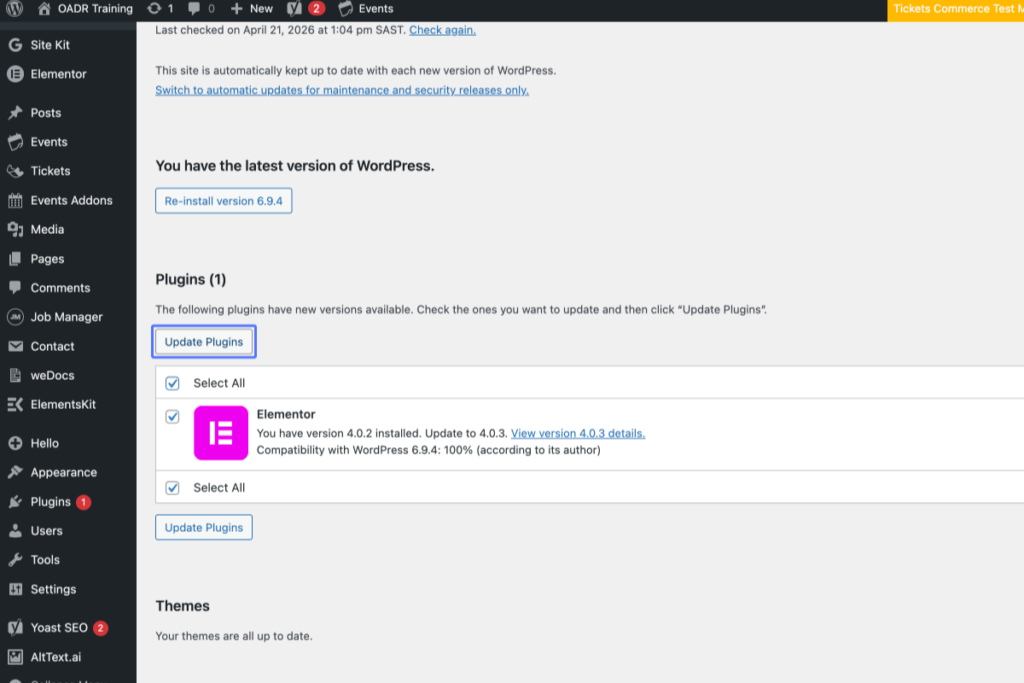
Click on the button “Update Plugins”
WordPress admin dashboard showing an available update for the Elementor plugin from version 4.0.2 to 4.0.3. A blue “Update Plugins” button is visible. – OADR Training
5
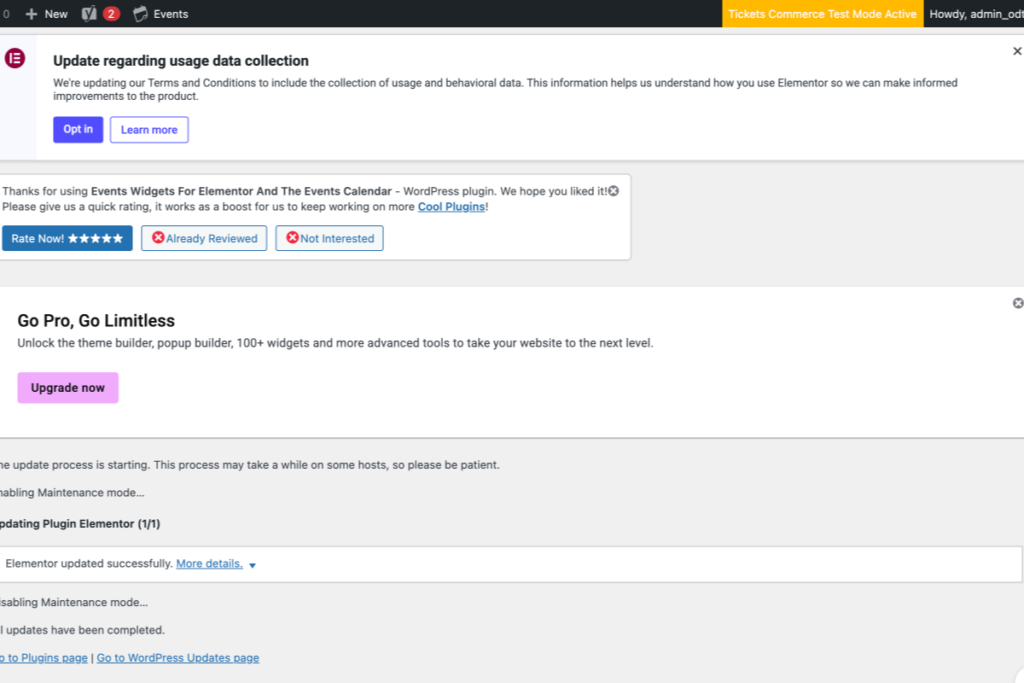
Click on “About WordPress OADR Training 0 0 Comments in moderation New SEO 2 2 notifications Events Tickets Co…”
Tab Name: Update Plugins ‹ OADR Training — WordPress
WordPress dashboard displaying notifications about data collection updates, plugin ratings, upgrade options, and ongoing plugin maintenance mode. – OADR Training