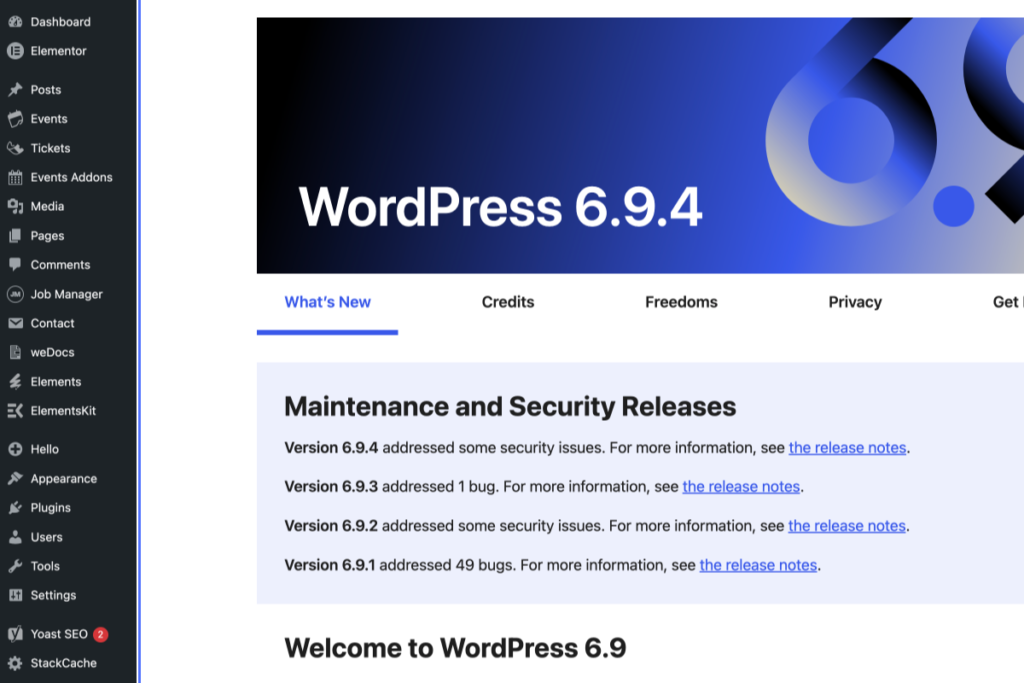
Screenshot of the WordPress 6.9.4 dashboard showing maintenance and security release notes and a sidebar with various admin menu options. – OADR Training
2
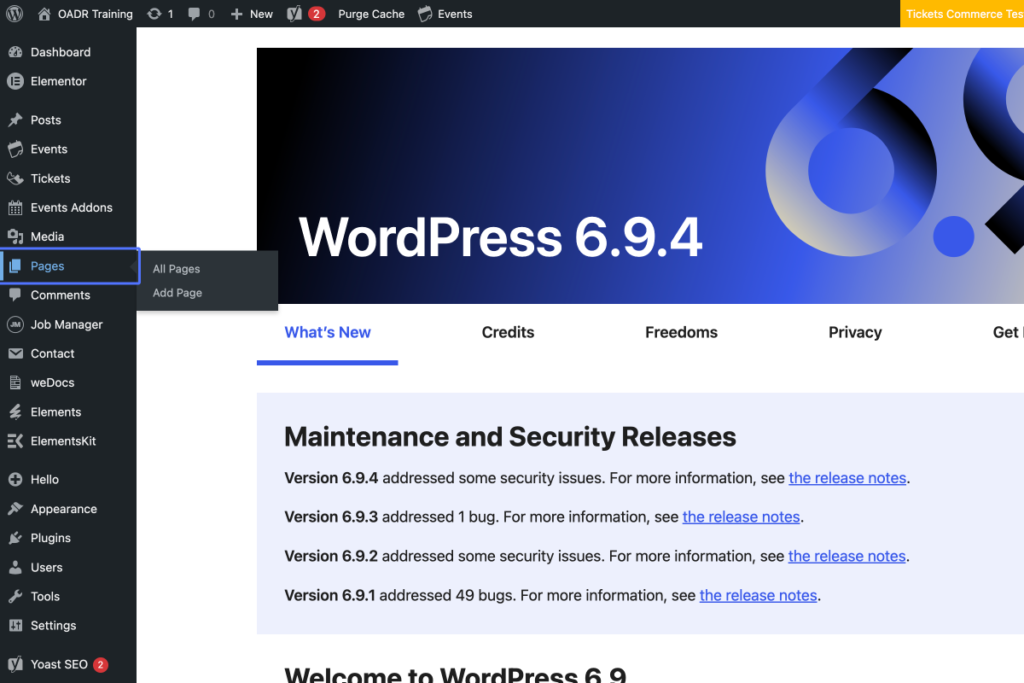
Click on the link “Pages”
Screenshot of the WordPress 6.9.4 dashboard showing the navigation menu on the left and the “What’s New” section detailing maintenance and security release notes. – OADR Training
3
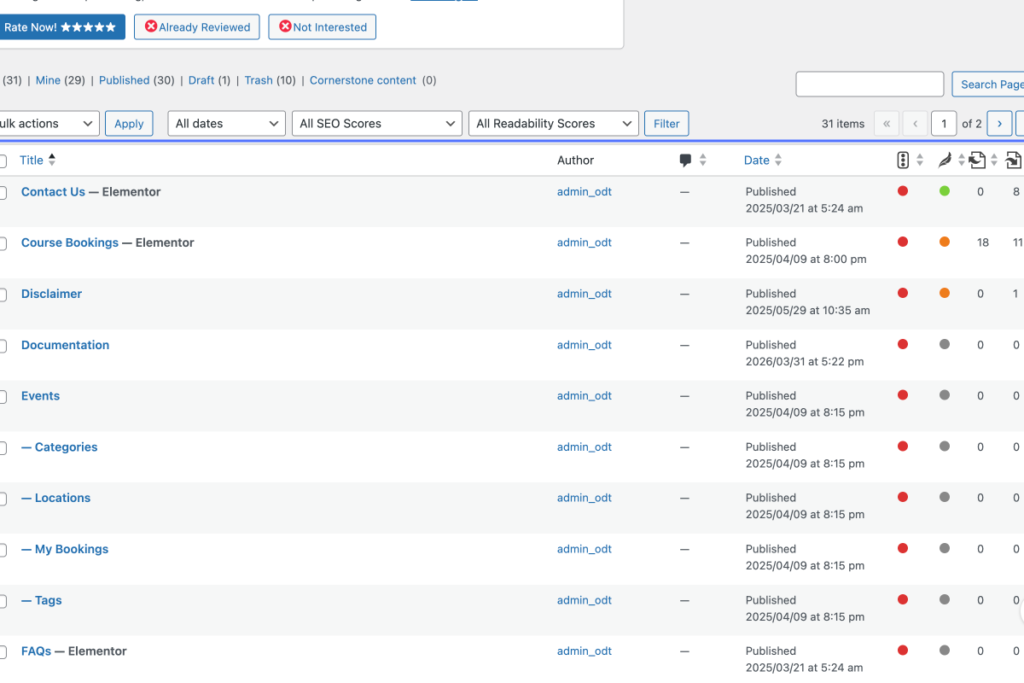
Click on “Table ordered by Hierarchical Menu Order and Title. Ascending. Select All Title Author Comments …”
Tab Name: Pages ‹ OADR Training — WordPress
A WordPress admin page showing a list of published website pages, their authors, dates, and SEO readability scores, with some scores marked in red and green indicators. – OADR Training
4
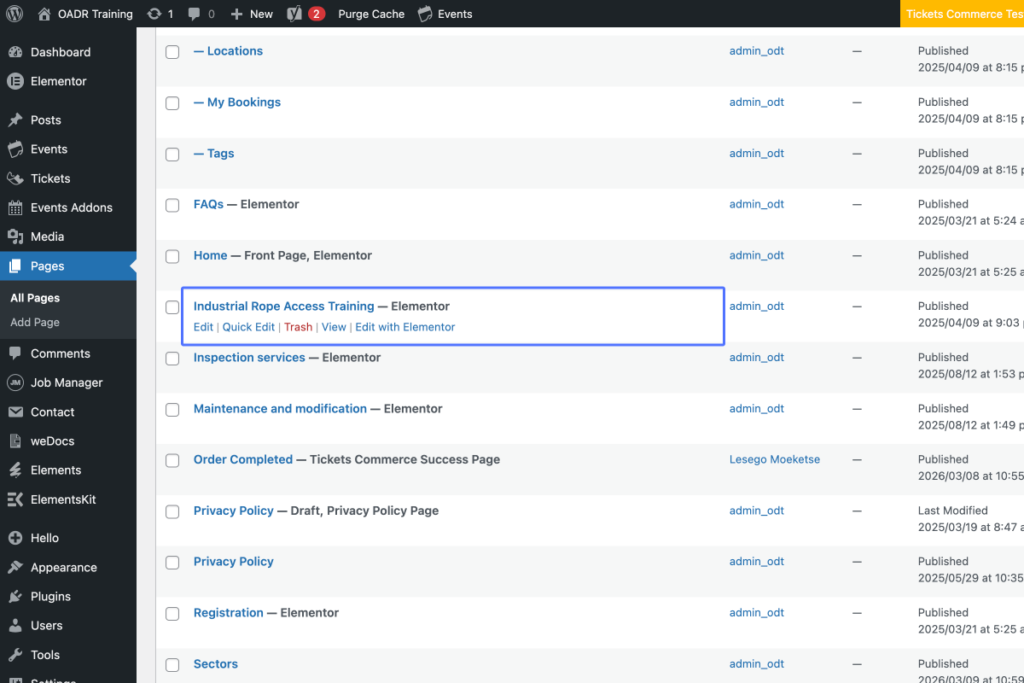
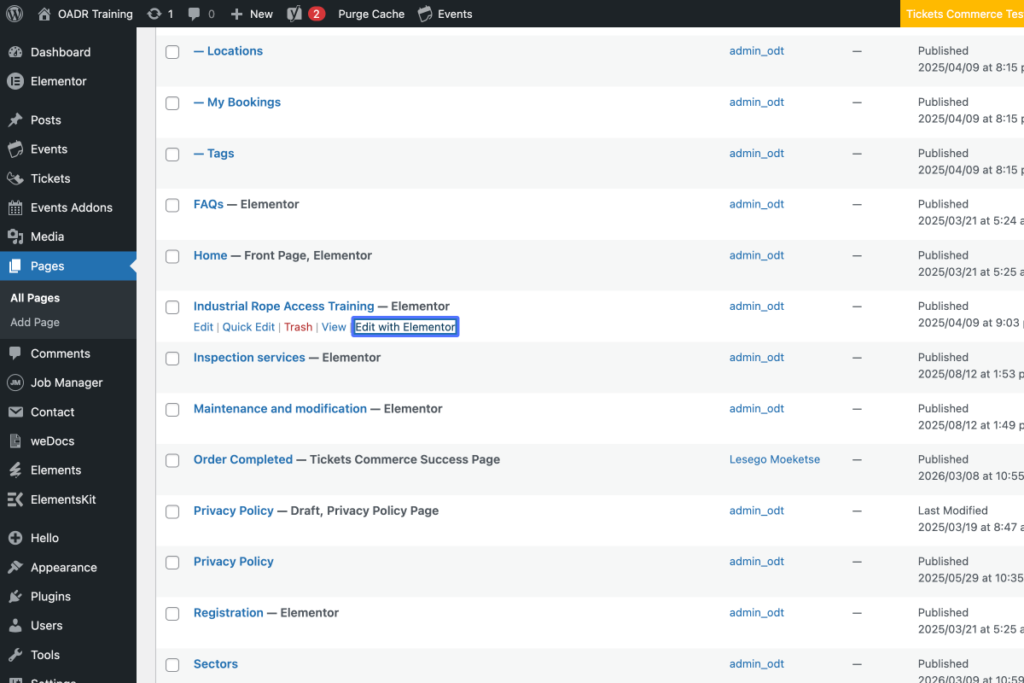
Click on “Industrial Rope Access Training — Elementor Edit | Quick Edit | Trash | View | Edit with Elementor”
A WordPress admin dashboard showing a list of pages, with “Industrial Rope Access Training” highlighted and edit options visible. – OADR Training
5
Click on the link “Edit with Elementor”
A WordPress Pages dashboard displays a list of website pages with their titles, authors, and publish dates. One page is highlighted with editing options visible. – OADR Training
6
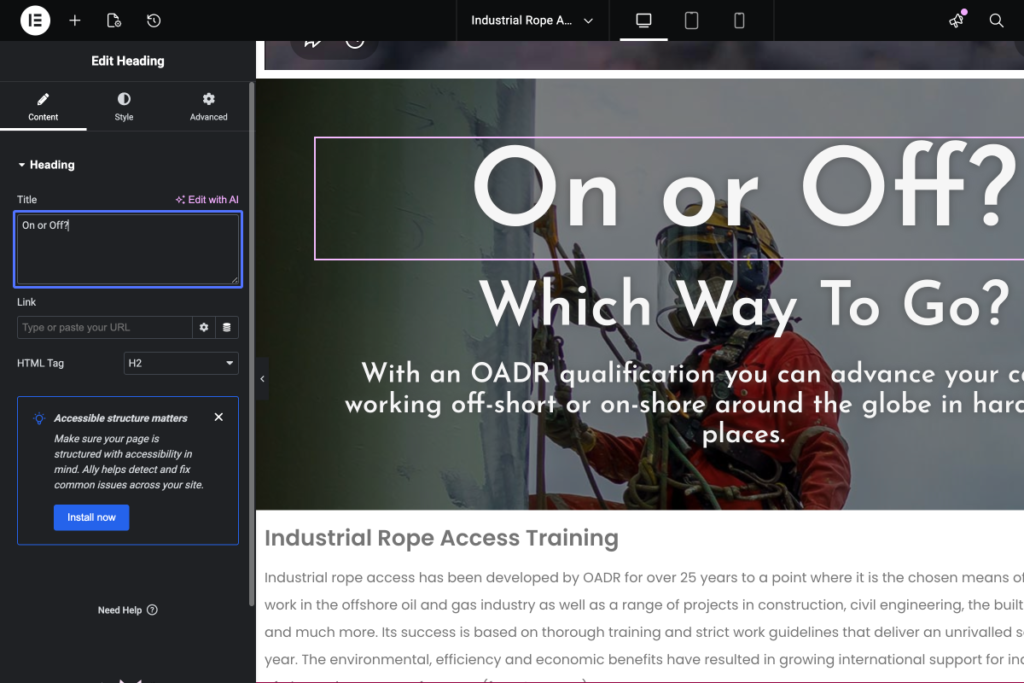
Click on “On or Off?”
Tab Name: Industrial Rope Access Training – OADR Training
7
Click here
Tab Name: Edit “Industrial Rope Access Training” with Elementor
A person wearing safety gear and a helmet is suspended by ropes in front of a large digital text reading “On or Off? Which Way To Go?” on a website editing interface. – OADR Training
8
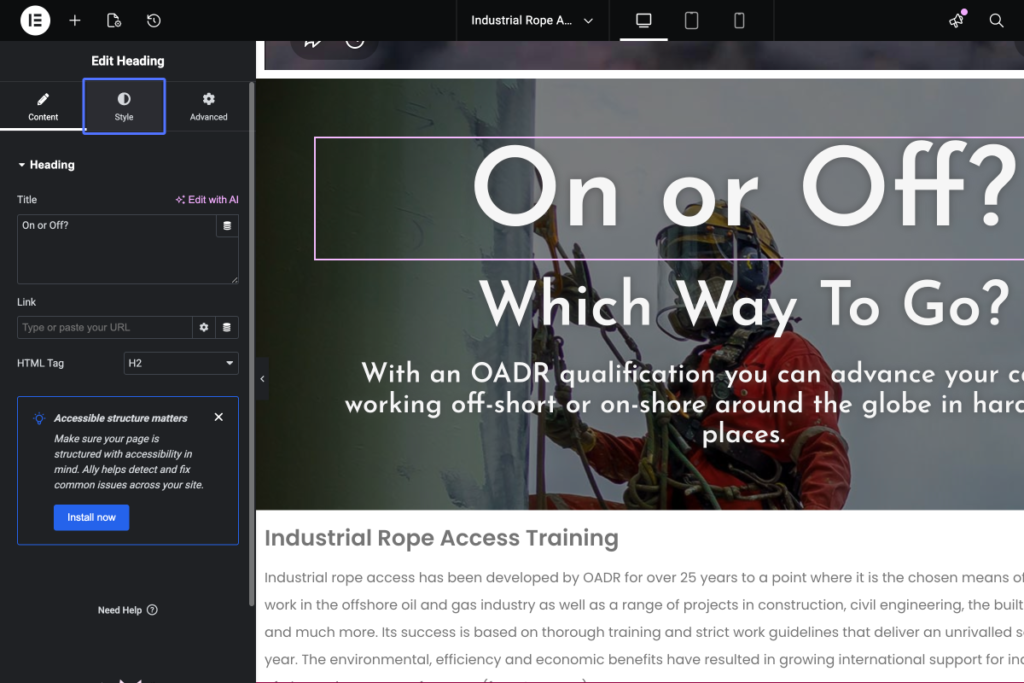
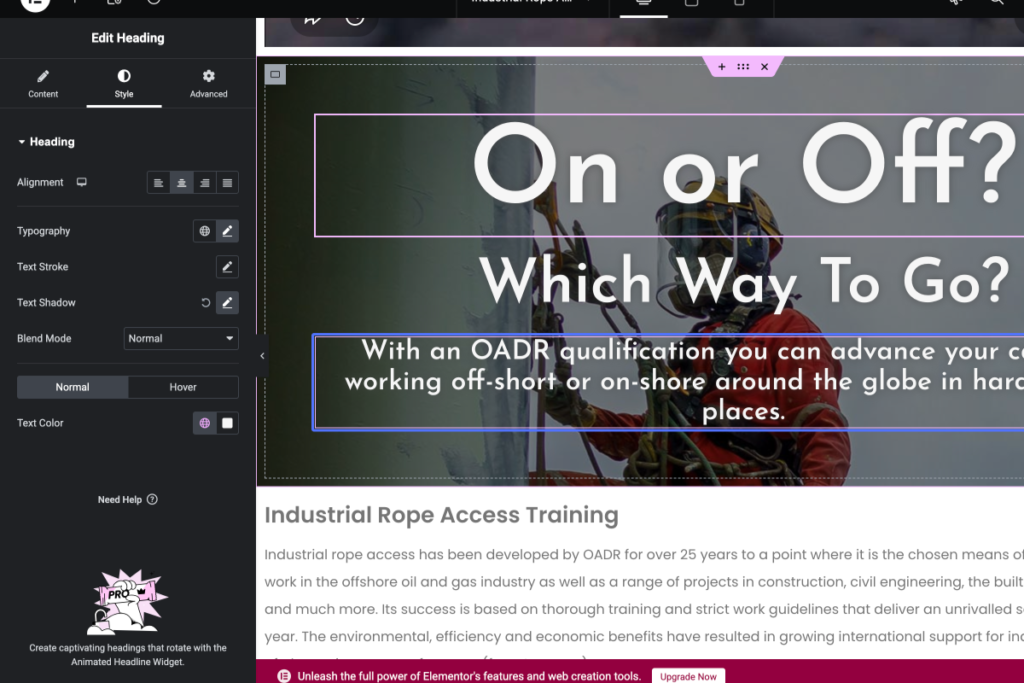
Click on the button “Style”
Screenshot of a website editor showing an industrial rope access worker in safety gear, overlaid with the heading “On or Off? Which Way To Go?” and accessibility advice on the sidebar. – OADR Training
9
Click on “With an OADR qualification you can advance your career by working off-short or on-shore around the g…”
Tab Name: Industrial Rope Access Training – OADR Training
Screenshot of a webpage editor showing a design for an industrial rope access training course, with a background image of a worker in safety gear and on-screen customisation options. – OADR Training
10
Click here
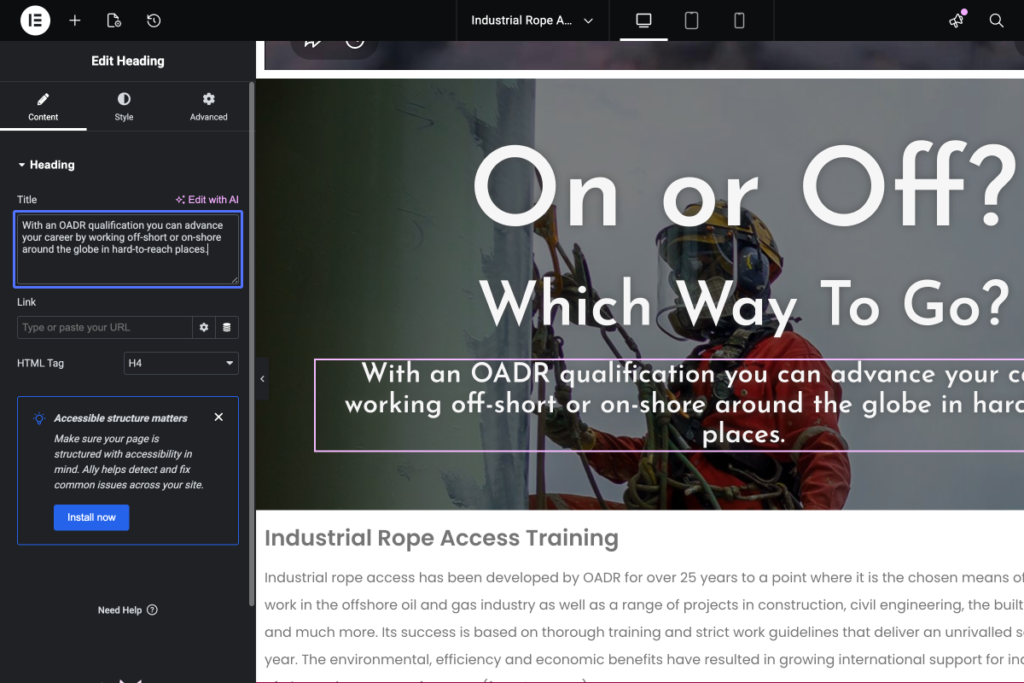
Tab Name: Edit “Industrial Rope Access Training” with Elementor
Screenshot of a website editor showing an “Edit Heading” panel on the left and a webpage preview with the heading “On or Off? Which Way To Go?” on the right, featuring a worker in safety gear. – OADR Training
11
Click here
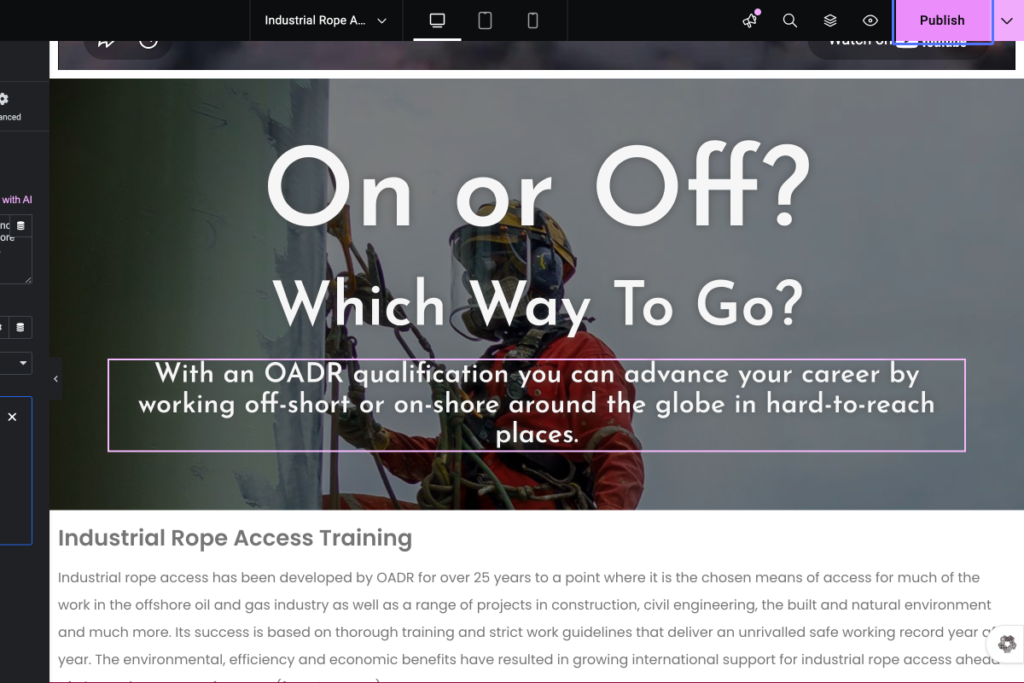
Person in safety gear and helmet stands against a wall with text overlay about OADR rope access training for offshore or onshore industrial work. – OADR Training
12
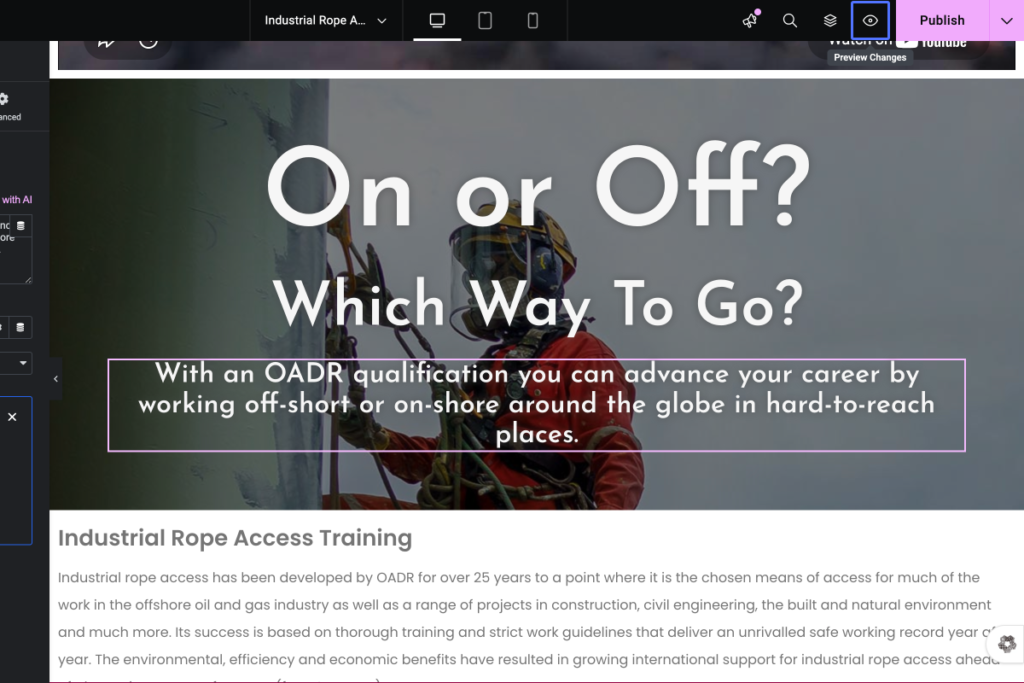
Click on the button “Publish”
A person in safety gear uses industrial rope access equipment next to text promoting OADR qualification for offshore and onshore careers. – OADR Training